
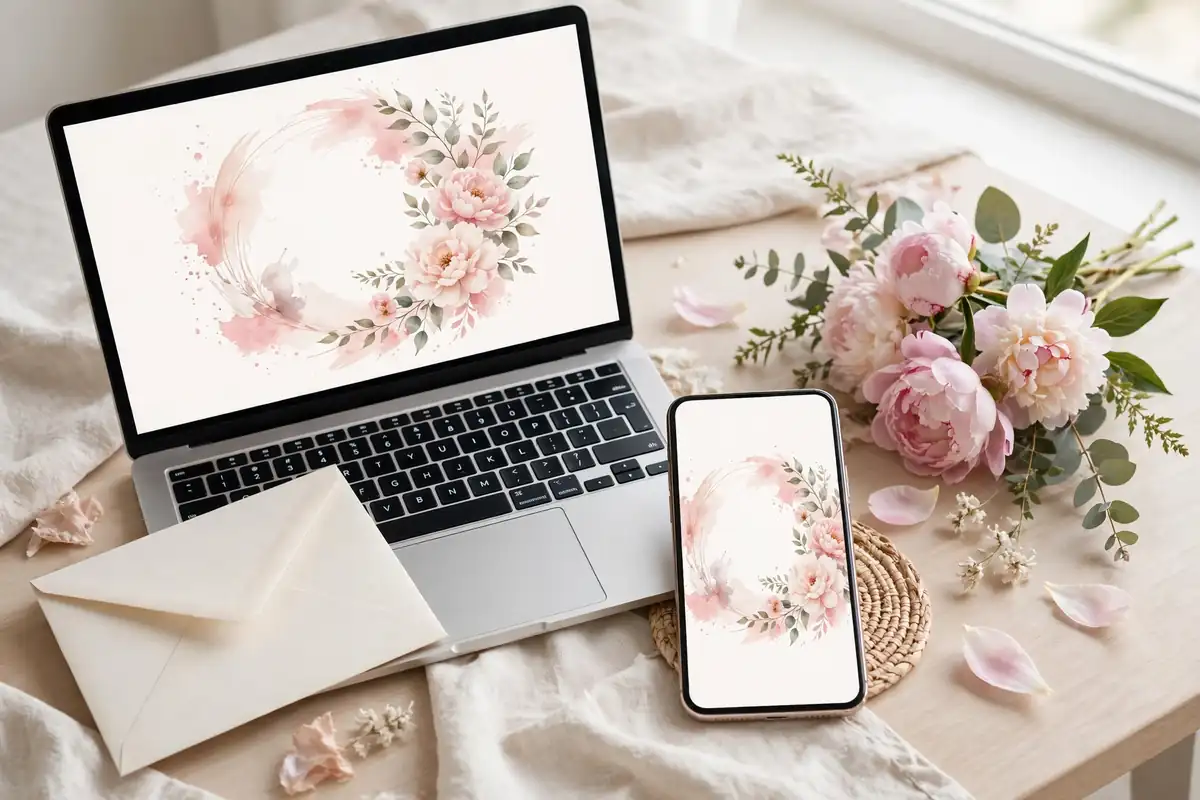
Digital invitations have grown up. They are no longer plain emails with a PDF attached. Today's e-vites can move, play music, show your photos, and collect RSVPs with one tap. They also save paper and postage, which adds up quickly with a large guest list.
The trick is making a digital invite feel personal instead of mass-sent. Each idea below includes what to put on it and when to send it, so your guests feel the care behind the screen.
Animated Video Invitation
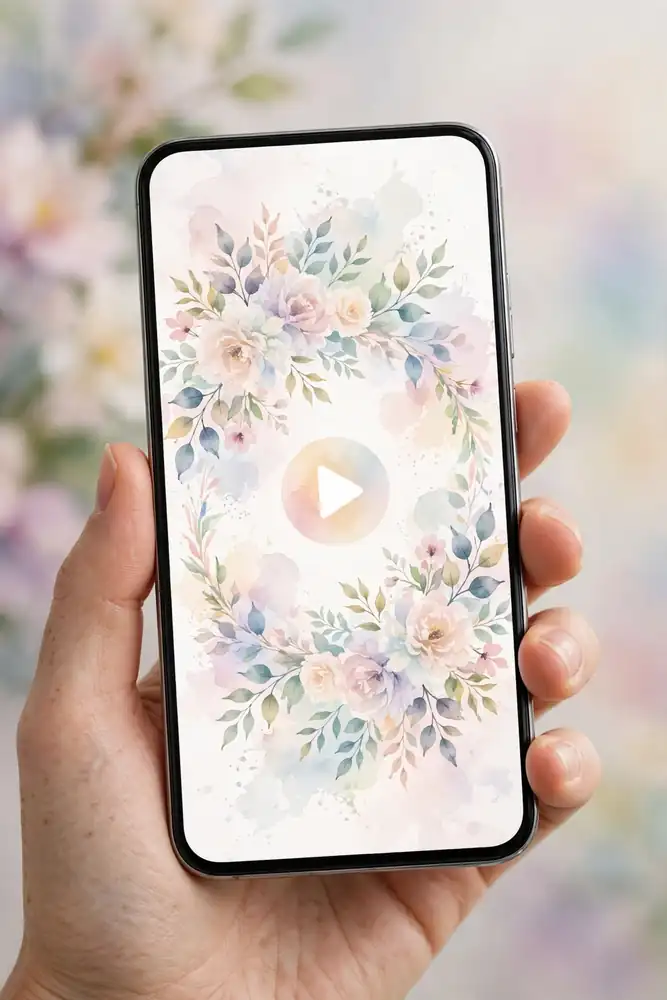
A 30 to 60 second video that opens with your names and wedding date, then pans across your favorite photos or illustrated scenes before landing on the venue details. Add soft background music and a tap-to-RSVP button at the end. Include your names, date, time, venue with a map link, dress code, and RSVP link. Send it 6 to 8 weeks before the wedding, when guests are ready to make travel plans. Styling tip: keep each text card on screen for at least four seconds. Guests pause and rewind videos where the words flash by too fast.
Minimalist E-Vite
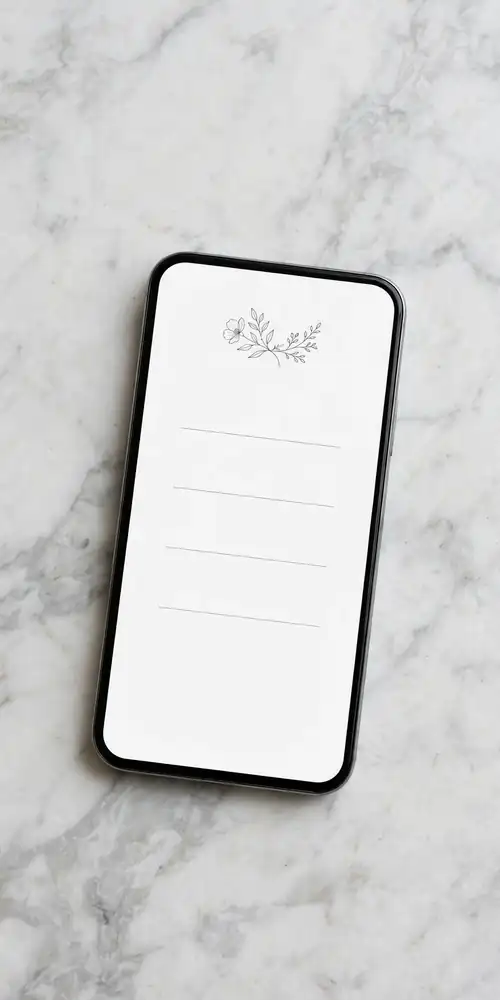
A single digital card with generous white space, your names in an elegant serif style, and one small floral or line motif. Nothing else competes for attention. This style suits modern weddings and reads beautifully on a phone screen. Include the date, time, venue address, RSVP link with deadline, and dress code. Send 6 to 8 weeks before the wedding. Styling tip: limit yourself to two fonts and two colors. Restraint is what makes minimalism look expensive instead of empty.
Photo Story Suite
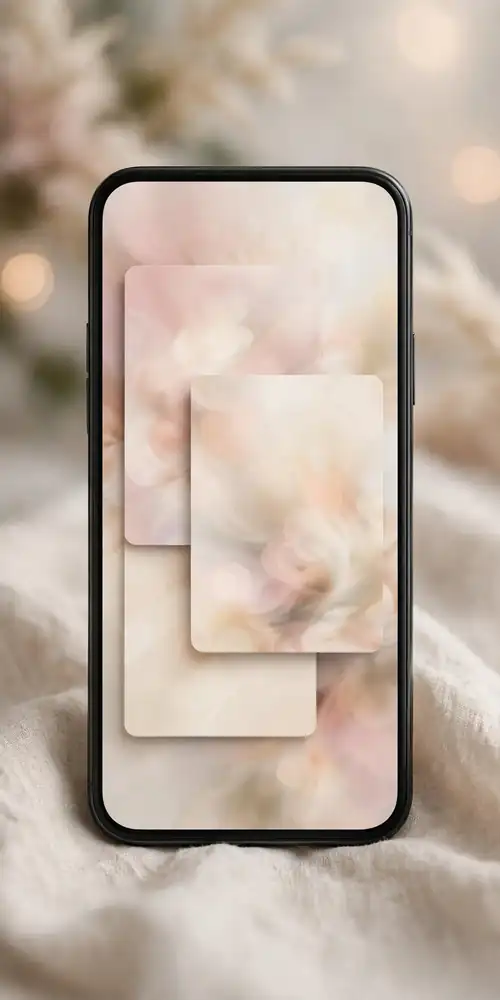
A set of three or four matching digital cards sent together. The first tells your story in photos with short captions, the second gives the ceremony and reception details, and the last handles RSVP and logistics like parking and hotels. Guests swipe through them like a tiny album. Include a photo from each stage of your relationship so the suite feels like a story, not a slideshow. Send 8 to 10 weeks before the wedding to give guests time to enjoy it. Styling tip: use the same filter or color tone on every photo. Consistent editing is what makes separate cards feel like one suite.
Illustrated Map Invitation
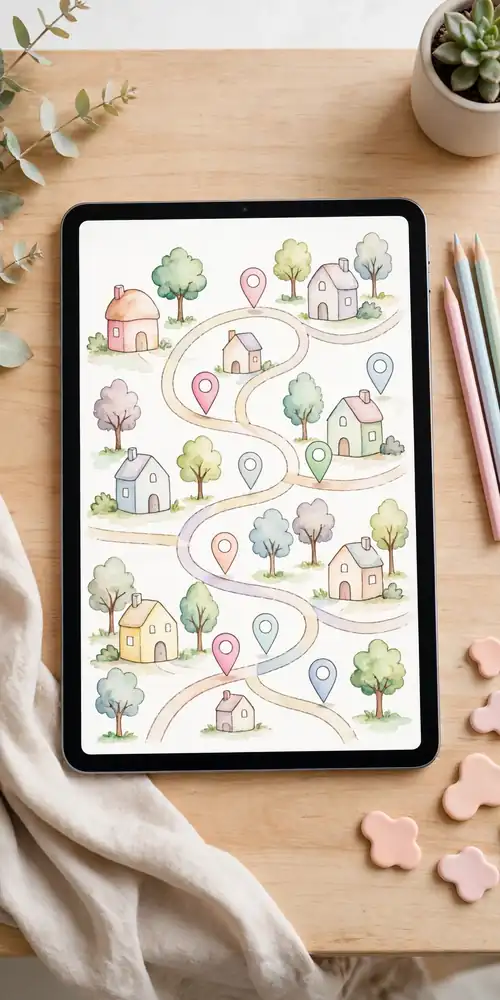
A custom illustrated map showing your venue, nearby hotels, the rehearsal dinner spot, and favorite local restaurants, styled as the invitation itself. Your names and the date sit in a title banner above the map. This is a wonderful pick for destination weddings where guests need orientation. Include the venue address, hotel booking codes, and the RSVP link below the map. Send 10 to 12 weeks before the wedding so out-of-town guests can book travel early. Styling tip: mark only the places guests truly need. A map crowded with every cute cafe becomes unreadable on a phone.
Watercolor Floral Digital Suite
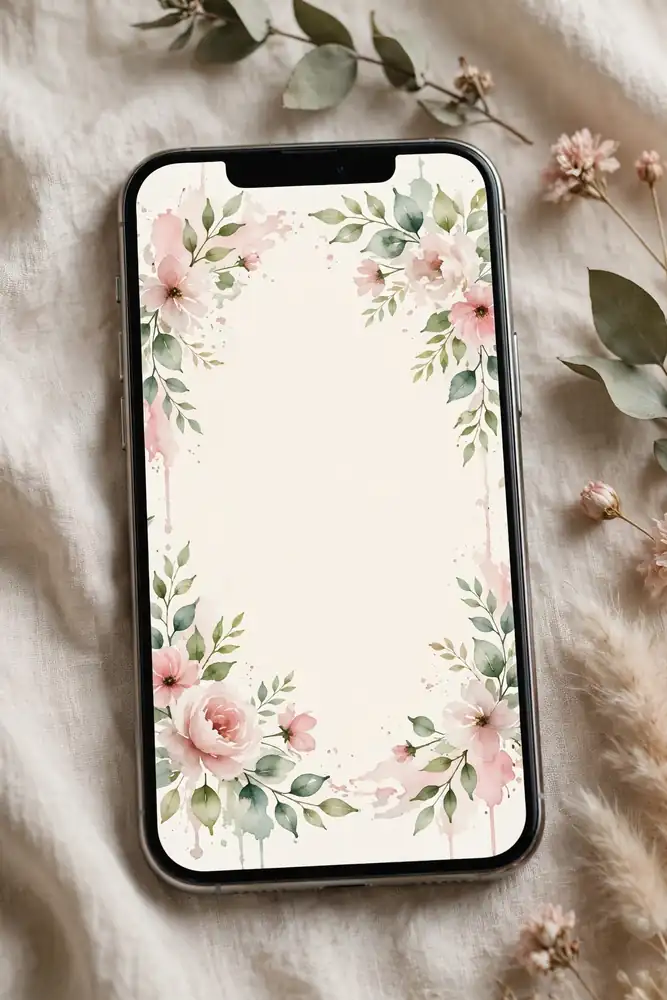
A matching set of digital cards decorated with loose watercolor florals in your wedding colors. The set usually includes the invitation, a details card, and an RSVP card, all sharing the same artwork. It feels romantic and handmade without any printing costs. Include your full names, date, time, venue, dress code, RSVP deadline, and a note about plus-ones. Send 6 to 8 weeks before the wedding. Styling tip: ask the designer for a matching phone wallpaper in the same floral style. Guests who save it see your wedding colors every day until the event.
Wedding Website One-Pager
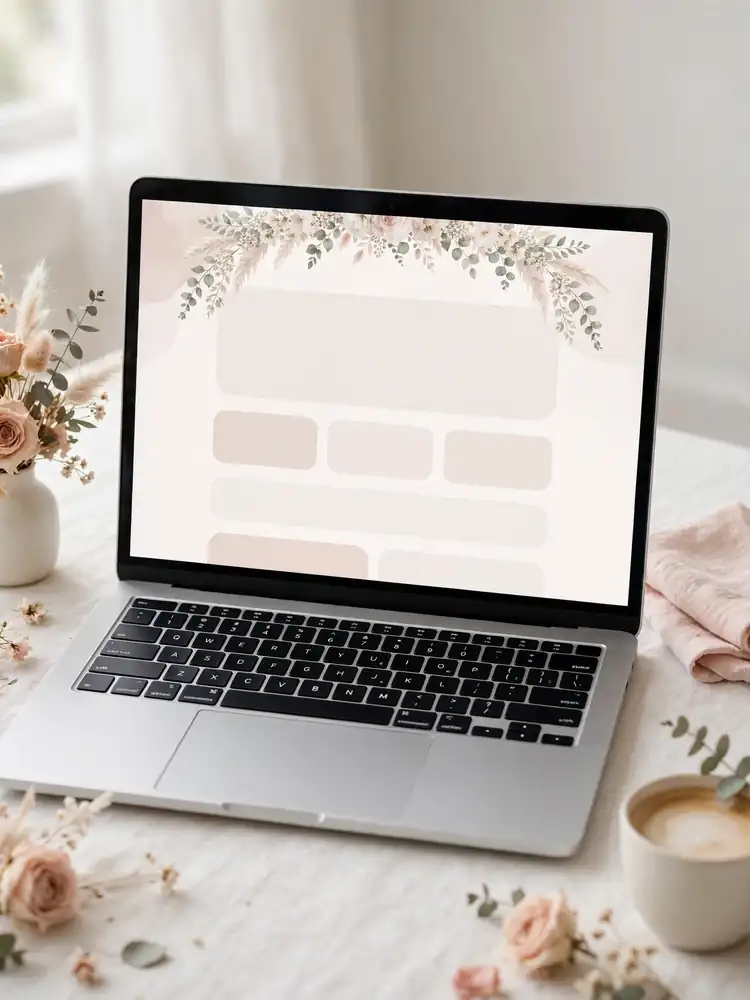
A single scrolling page that acts as the whole invitation. It opens with your names and date, then flows through your story, the schedule, travel information, and an RSVP form. You send guests one link and they find everything in one place. Include the schedule with times, venue addresses with map links, hotel blocks, dress code, registry link, and a clear RSVP button. Share the link 8 to 10 weeks before the wedding. Styling tip: put the RSVP button at both the top and the bottom of the page. Guests should never have to scroll back up to respond.
Monogram Crest Digital Card
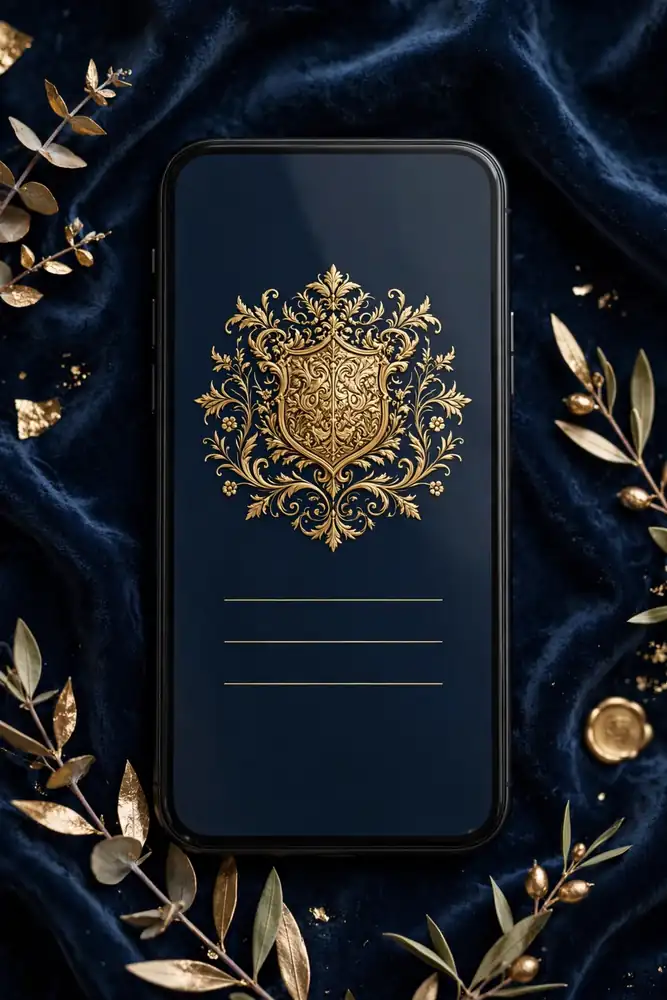
A formal digital card built around your custom monogram or family crest, with traditional invitation wording centered beneath it. This brings black-tie formality to a digital format. Include your names, the hosts' names, date, time, full venue name and address, reception details, dress code, and RSVP link. Send 8 to 10 weeks before the wedding, earlier than casual e-vites, since formal weddings need firmer planning. Styling tip: have the monogram drawn as a vector file. Vector art stays sharp on every screen size, while small image files turn blurry on large phones.
Voice Note Invitation
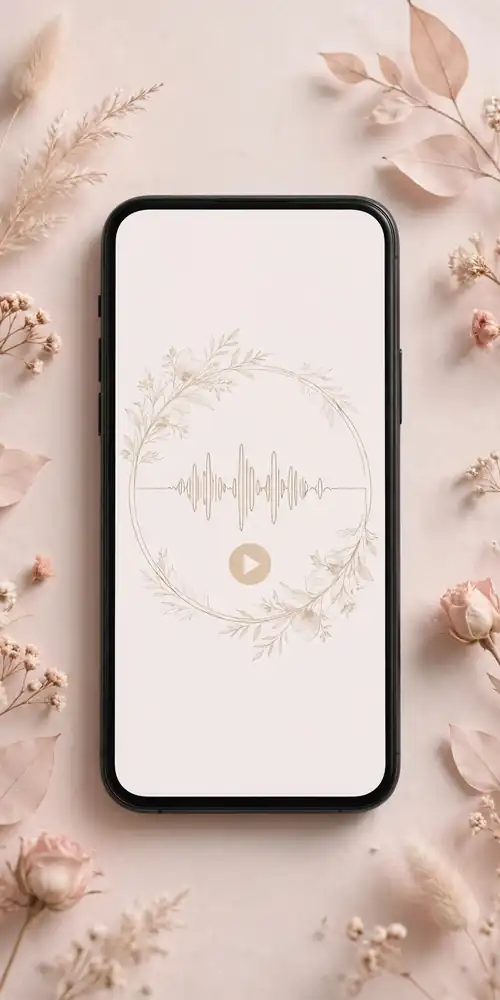
A simple elegant card paired with a short voice recording from the two of you, personally inviting each guest by name or family. Hearing your voices makes a digital invite feel startlingly personal. Record one warm message of 30 to 60 seconds covering the date, venue, and how much their presence means to you. Attach it to a clean card with the written details and RSVP link. Send 6 to 8 weeks before the wedding. Styling tip: record in a quiet, carpeted room with the phone close to your mouth. Room echo ruins an otherwise lovely message.
Save-the-Date and Invitation Duo
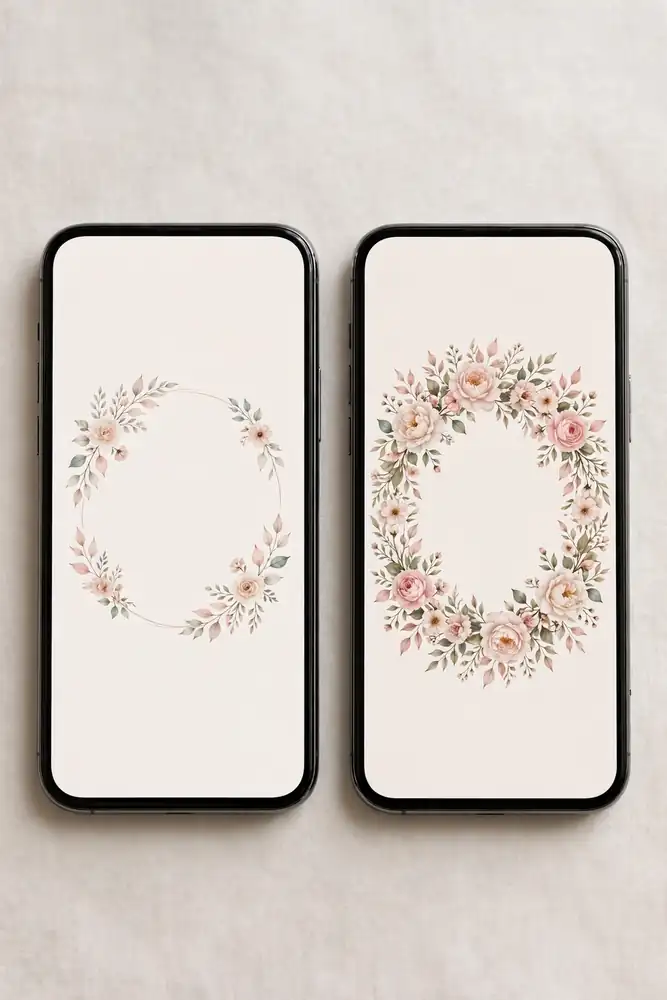
Two matching designs sent in sequence. The save-the-date goes out 4 to 6 months before the wedding with just your names, the date, and the city. The formal invitation follows 6 to 8 weeks before with full details and the RSVP link. Because the designs match, guests recognize the second message instantly. Include a wedding website link on the save-the-date so early planners can follow along. Styling tip: keep the save-the-date to one screen with no scrolling. Its only job is to get the date into calendars.
QR Code RSVP Card
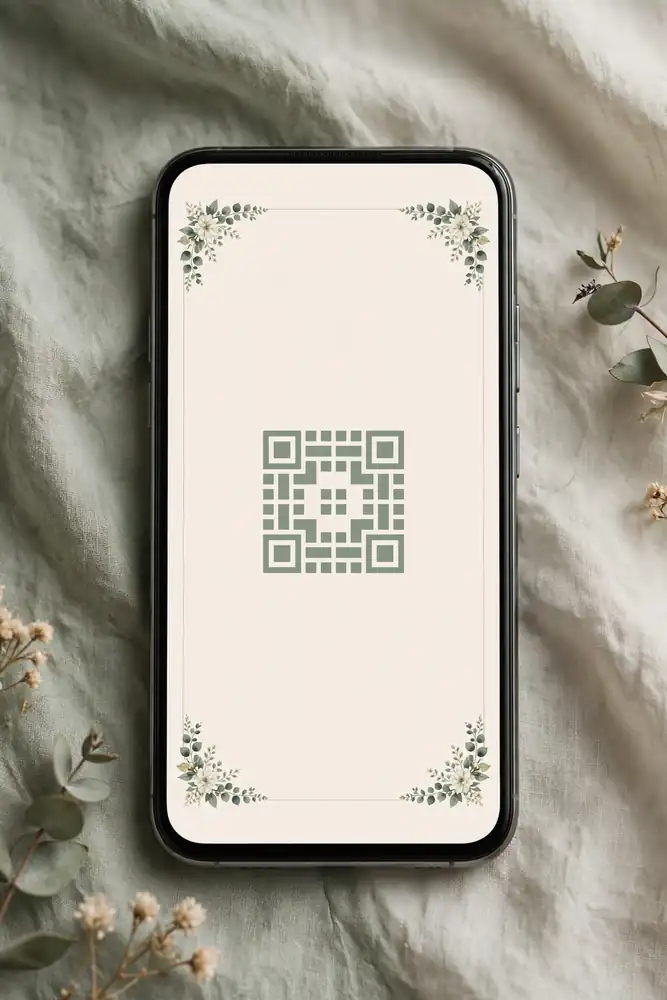
A clean digital card with a QR code that opens your details page and RSVP form when scanned. This works beautifully as a follow-up for guests who lose links, and you can print a few for older relatives who prefer paper. Include your names, date, venue, and the QR code large enough to scan easily, plus the web address written out beneath it. Send digitally 6 to 8 weeks out, and mail the printed version with other paper details if you use them. Styling tip: test the QR code on three different phones before sending. Some generators produce codes that older phone cameras cannot read.
Messaging App Invite Card
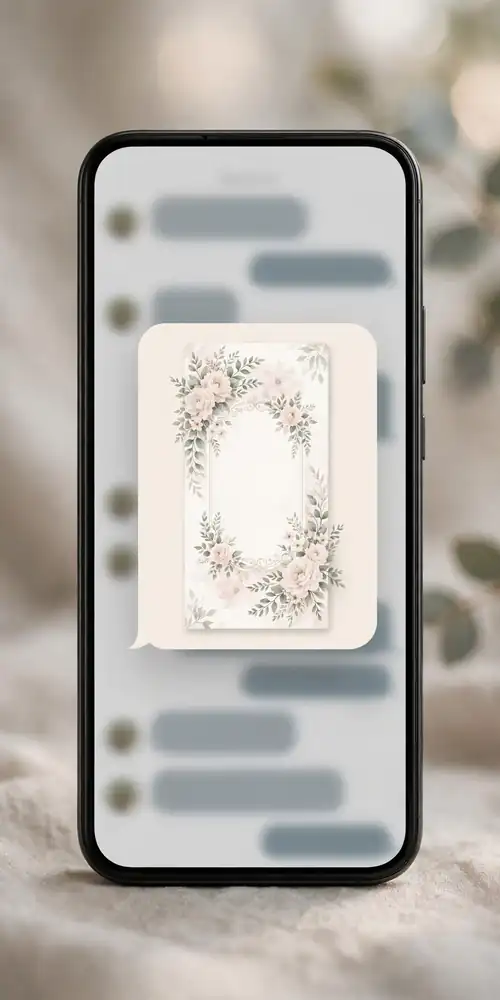
A tall card sized for phone screens, designed to be sent personally through a messaging app with a short note to each guest. Because it arrives as a personal message rather than a broadcast, it feels warm and direct. This suits casual and intimate weddings best. Include your names, date, time, venue with a location pin, dress code, and an RSVP reply prompt. Send 4 to 6 weeks before the wedding. Styling tip: send each invite individually, not in a group chat. A personal message thread gets faster RSVPs than a group announcement.
Digital does not have to mean impersonal. Pick the format that matches your wedding's tone, include every detail a guest needs to show up confident and on time, and send it early enough to be useful. A thoughtful e-vite, sent at the right moment, gets remembered just like a beautiful paper one.
For more ideas like this, visit our Wedding Stationery Ideas page.